Image Editing
Smart Cutout
Choose the exact subject you want to keep
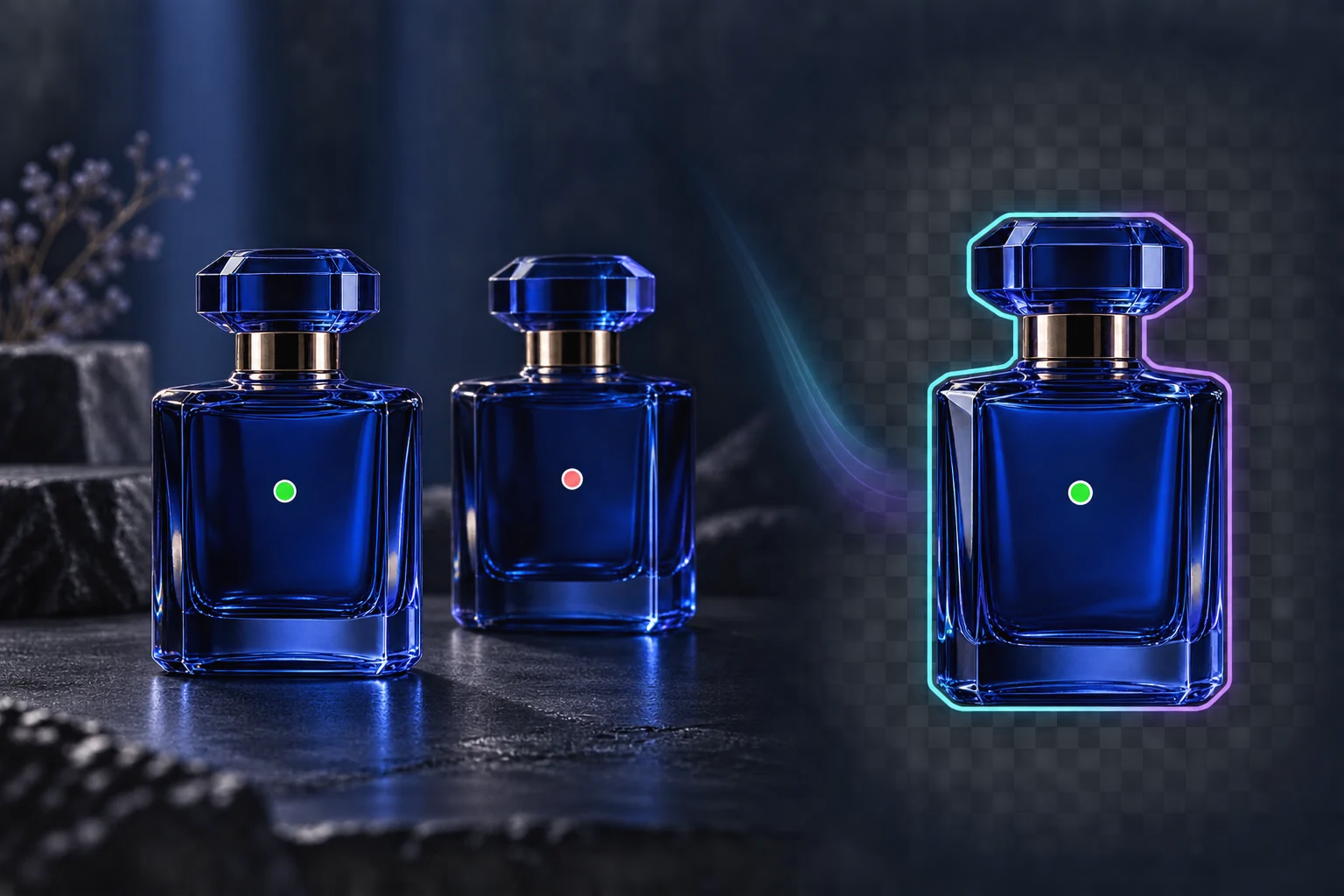
Click the subject to keep, mark areas to exclude, and refine the selection with a brush. Smart Cutout runs in your browser and exports a transparent PNG or a reusable selection mask.
Pick one subject among manyRefine before exportingDownload a real transparent PNG
Ảnh chụp nhanh về khả năng
2
keep and exclude point types
PNG
transparent image export
local
image processing in your browser
Xem Smart Cutout hoạt động
Tìm hiểu quy trình, lợi ích chính và kết quả trong 27 giây.
Lợi ích cốt lõi
Giá trị thực tế được ánh xạ tới quy trình sản xuất thực tế.
Lợi ích
01
Pick one subject among many
Add a keep point on the object you want and exclude points on nearby objects or background areas. The selection updates as you guide it.
Lợi ích
02
Refine before exporting
Use the brush, eraser, lasso, feather, and expand controls to correct the mask, then inspect it against the source image.
Lợi ích
03
Download a real transparent PNG
The selected pixels are composited with an alpha channel in your browser. Download the cutout or export the mask for another editing step.
Quy trình làm việc được đề xuất
Lộ trình ba bước đơn giản từ tài liệu nguồn đến kết quả có thể sử dụng lại.
Bước 1
Choose an image
Open a PNG, JPEG, or WebP image from your device. The image stays local while the browser loads the cutout model.
1
Bước 2
Guide the selection
Click the subject to keep it. Right-click or switch to Exclude to mark background areas, then refine with the manual tools.
2
Bước 3
Export the result
Preview the selected area and download a transparent PNG or a separate selection mask.
3
Những câu hỏi thường gặp
Does my image leave my device?
The standalone Smart Cutout tool processes the selected image in your browser and downloads the result locally. Opening the separate Image Editor follows its own asset and generation workflow.
Can I select one of two similar products?
Yes. Add a keep point on the desired product and exclude points on the other one. Results depend on image detail, so use the brush for final corrections.
Does it work on every browser and every edge?
The tool needs browser support for WebAssembly and OffscreenCanvas and downloads its model on first use. Hair, translucent materials, and very complex edges may need manual refinement.
Bước tiếp theo
Bạn đã sẵn sàng sử dụng tính năng này trong sản xuất chưa?
Mở tool bằng hình ảnh thật, so sánh kết quả và giữ nguyên phiên bản hoạt động.