High-intent prompt pack
5 prompts from product photo to listing-ready creative
Go from clean hero images and lifestyle scenes to multi-angle views and on-model fashion while treating product identity as a hard constraint.
Bilingual search / share keywords
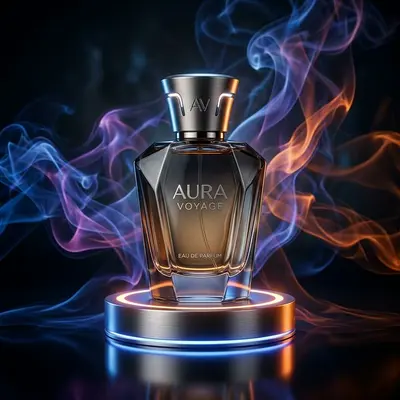 Final result · 01
Clean white product hero
A clean marketplace hero optimized for thumbnail readability.
- Recommended model
- Nano Banana 2
- Aspect ratio
- 1:1
Variables to change
[PRODUCT]→leather tote bag[BACKGROUND]→warm white[PRODUCT SCALE]→78% of canvas heightFull prompt
Extract [PRODUCT] from the uploaded source and create a clean ecommerce hero image on a pure [BACKGROUND] background. Preserve exact shape, surface texture, stitching, logo, color, and every included accessory. Center the product, front three-quarter angle, [PRODUCT SCALE] of canvas height, soft natural contact shadow directly below, even catalog lighting, sharp edges, accurate material response. No props, no text, no extra accessories, no redesign, no floating. Square 1:1, marketplace-ready.
Social share copy
The hard part of a white-background hero isn't the white—it's keeping the product unchanged. This prompt locks scale, material, and accessories. #EcommerceImages #AIProductPhoto
 Final result · 02
Lifestyle context image
Show scale and usage in a believable real-world setting.
- Recommended model
- Nano Banana 2
- Aspect ratio
- 4:5
Variables to change
[PRODUCT]→travel coffee tumbler[USAGE SCENE]→morning commuter train table[HUMAN INTERACTION]→one hand loosely holding the cup[CAMERA]→50mm eye-level close shot[LIGHTING]→soft window daylightFull prompt
Place the exact uploaded [PRODUCT] into a realistic [USAGE SCENE]. The product remains the visual subject and must retain its dimensions, color, branding, controls, and material. Add [HUMAN INTERACTION] to communicate scale and function naturally. Camera: [CAMERA], lighting: [LIGHTING], commercial lifestyle photography, plausible physics and contact, uncluttered composition, no competing branded objects, no altered product details. Vertical 4:5 with copy-safe space above.
Social share copy
Placed a product into a real usage moment while locking structure and brand detail—ideal for the second PDP image. #LifestyleProductPhoto #AIEcommerce
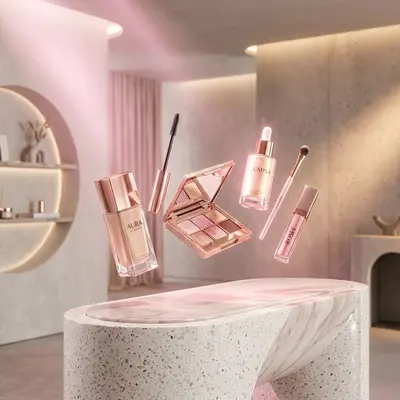 Final result · 03
Multi-angle product sheet
Create consistent front, side, and rear views in one sheet.
- Recommended model
- Nano Banana 2
- Aspect ratio
- 16:9
Variables to change
[PRODUCT PHOTO]→running shoe product photo[BACKGROUND]→light gray seamless backdrop[LIGHTING]→large overhead softboxFull prompt
Create a three-panel product angle sheet from the uploaded [PRODUCT PHOTO]: exact front view, exact left three-quarter view, and exact rear view. Treat the reference as the single source of truth for geometry, color, hardware, labels, seams, and accessories. Use identical [BACKGROUND], camera height, focal length, product scale, and [LIGHTING] in all panels. Equal spacing, no perspective mismatch, no extra parts, no text labels. Wide 16:9 catalog contact sheet suitable for ecommerce review.
Social share copy
One prompt for front, side, and rear views with matched scale and lighting—useful for pre-listing review. #ProductAngles #AIStudio
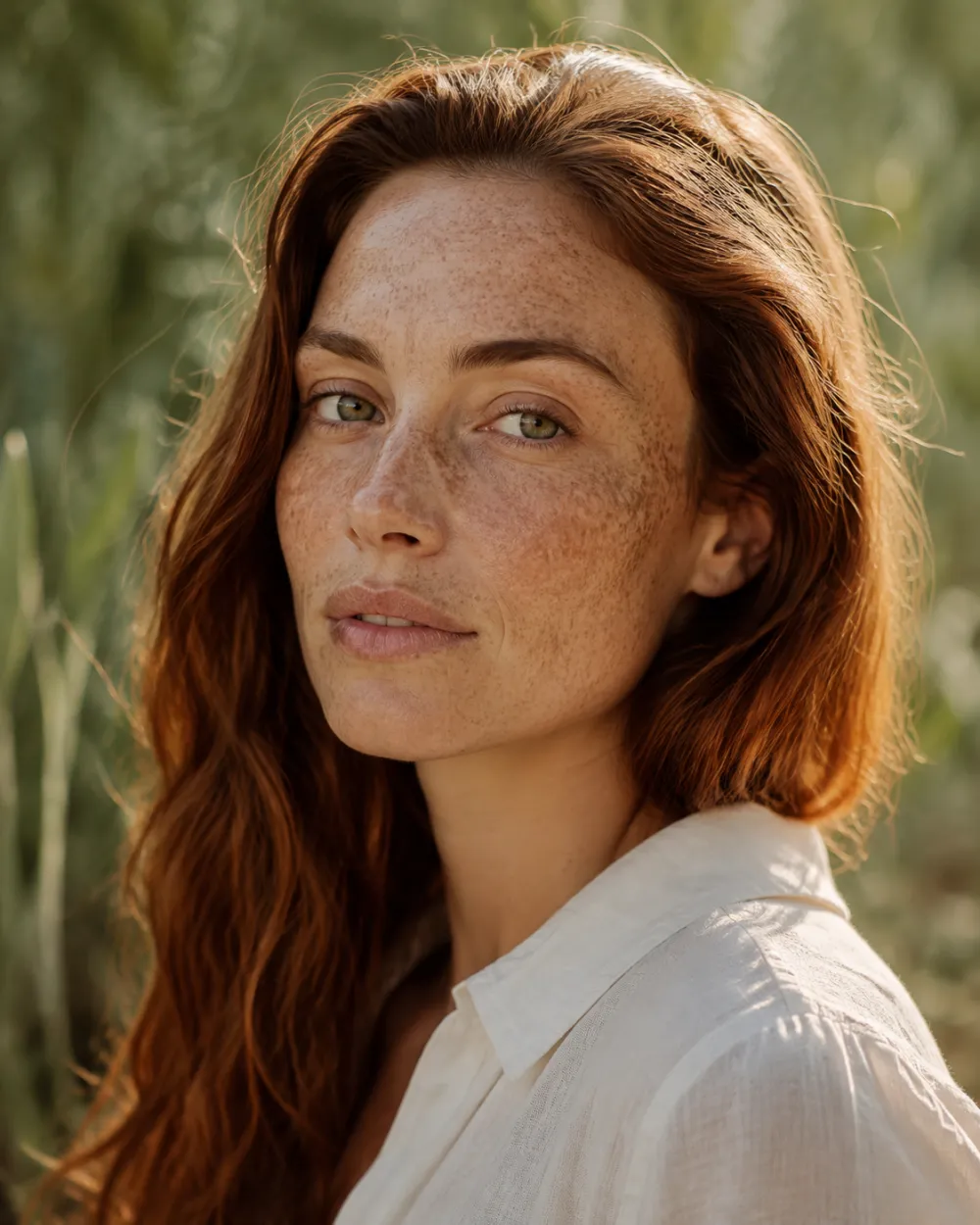 Final result · 04
Flat lay to on-model try-on
A virtual try-on that preserves cut, print, collar, and sleeves.
- Recommended model
- Nano Banana 2
- Aspect ratio
- 4:5
Variables to change
[MODEL REFERENCE]→front-facing standing model[GARMENT FLAT LAY]→printed dress flat lay[FIT]→naturally fitted, not tight[STUDIO SET]→warm gray studio[LIGHTING]→soft frontal beauty lightFull prompt
Dress the provided [MODEL REFERENCE] in the garment from [GARMENT FLAT LAY]. Preserve the person's identity, face, body proportions, pose direction, and skin tone. Preserve the garment's exact silhouette, hem length, neckline, sleeve shape, print placement, fabric texture, color, closures, and logos. Fit should be [FIT], with physically plausible folds and occlusion. Scene: [STUDIO SET], full-body fashion ecommerce photography, [LIGHTING], 4:5 vertical, no body reshaping, no extra accessories, no garment redesign.
Social share copy
Virtual try-on from a flat lay plus a model reference, with print placement, fit, and identity locked. #AIFashionTryOn #FashionEcommerce
 Final result · 05
Consistent model colorway
Change only garment color while identity, pose, and set stay fixed.
- Recommended model
- Nano Banana 2
- Aspect ratio
- 4:5
Variables to change
[SOURCE COLOR]→navy blue[TARGET COLOR]→burgundy #7A263AFull prompt
Edit the reference fashion image by changing only the garment color from [SOURCE COLOR] to [TARGET COLOR]. Keep the same person identity, facial expression, hair, body proportions, pose, crop, garment construction, fabric texture, stitching, print, shadows, background, and lighting. The new color must respond naturally to highlights and folds. Do not retouch the face or body; do not change accessories or scene objects. 4:5 ecommerce colorway image, color-accurate, seamless edit.
Social share copy
No reshoot for each colorway: change only garment color while model, pose, texture, and light remain fixed. #AIColorway #VirtualModel