Prompt, text, and mockup edits
Describe a background, object, lighting, clothing, or composition change; use dedicated operations to replace visible text or place artwork on a product mockup.
Imgo image tools
Change the part you name without rebuilding the whole image. Choose a prompt, mask, text, outpaint, or mockup operation; compare the source with up to four results, then branch from the version worth refining.
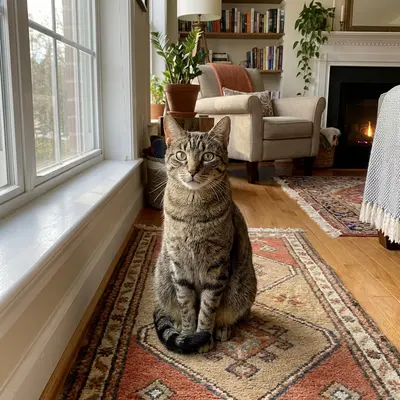
Describe a background, object, lighting, clothing, or composition change; use dedicated operations to replace visible text or place artwork on a product mockup.
Mark an object or area to focus the edit instead of asking the model to reinterpret every pixel.
Extend the frame to a new aspect ratio, request up to four candidates, and branch from any saved result without discarding the other versions.
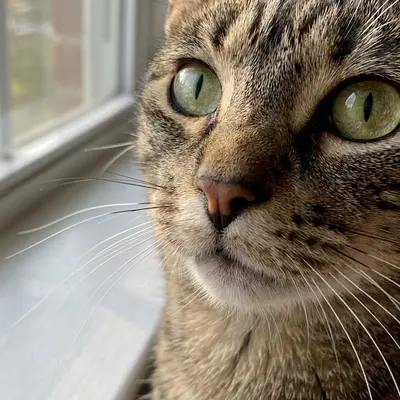
Outpainting example: review the extended frame against the source before export.
Use a photo of your own, or send a generated image from Imgo into the editor.
Choose an edit mode, write the desired change, and paint a mask for local edits where needed.
Check up to four candidates for boundaries, text, faces, and product details, then download one or use any history result as the source of a new edit.
Use the live settings, credit quote, and returned result as the final source of truth.
Use a mask around the object and describe the background that should replace it. Review the result for seams and repeated textures.
Yes. For a clean cutout, begin with Background Remover; for a contextual replacement, use a prompt and inspect edges in the editor.
Open the workspace to upload an image or enter a prompt, see the live credit quote, and download the result. Sign-in is required to run a task.