바로 쓰는 프롬프트 키트
오픈마켓 상품 사진 프롬프트 템플릿: 대표 이미지, 접사, 라이프스타일, 플랫레이, 시즌
마켓 규정에 맞는 대표 이미지, 접사 디테일, 라이프스타일 장면, 플랫레이, 시즌별 변형까지. 모든 템플릿이 제품의 본모습을 바꾸지 않는 것을 절대 조건으로 둡니다.
키트 구성
| 프롬프트 | 모델 | 출력 비율 | 필요한 참조 이미지 | 활용처 |
|---|---|---|---|---|
| 오픈마켓 대표 이미지 | Nano Banana 2 | 1:1 | 깔끔한 제품 사진 1장 — 정면, 라벨이 또렷하고 조명이 고른 것 | Amazon 등 오픈마켓 대표 이미지, PDP 첫 이미지 |
| 접사 디테일과 질감 | Nano Banana 2 | 4:5 | 깔끔한 제품 사진 1장 — 정면, 라벨이 또렷하고 조명이 고른 것; 선택: 디테일 부위 클로즈업. 기본 사진만으로는 소재가 잘 드러나지 않을 때 사용 | PDP 추가 이미지, A+ 콘텐츠 디테일 모듈 |
| 라이프스타일 장면 | Nano Banana 2 | 4:5 | 깔끔한 제품 사진 1장 — 정면, 라벨이 또렷하고 조명이 고른 것 | PDP 라이프스타일 이미지, 소셜 피드 게시물, 이메일 대표 이미지 |
| 소품을 곁들인 플랫레이 | Nano Banana 2 | 1:1 | 깔끔한 제품 사진 1장 — 정면, 라벨이 또렷하고 조명이 고른 것 | Instagram 그리드, 컬렉션 페이지, 선물 가이드 레이아웃 |
| 시즌 캠페인 변형 | Nano Banana 2 | 4:5 | 깔끔한 제품 사진 1장 — 정면, 라벨이 또렷하고 조명이 고른 것 | 시즌 세일 배너와 프로모션 광고 |
이 프롬프트로 생성 · 01
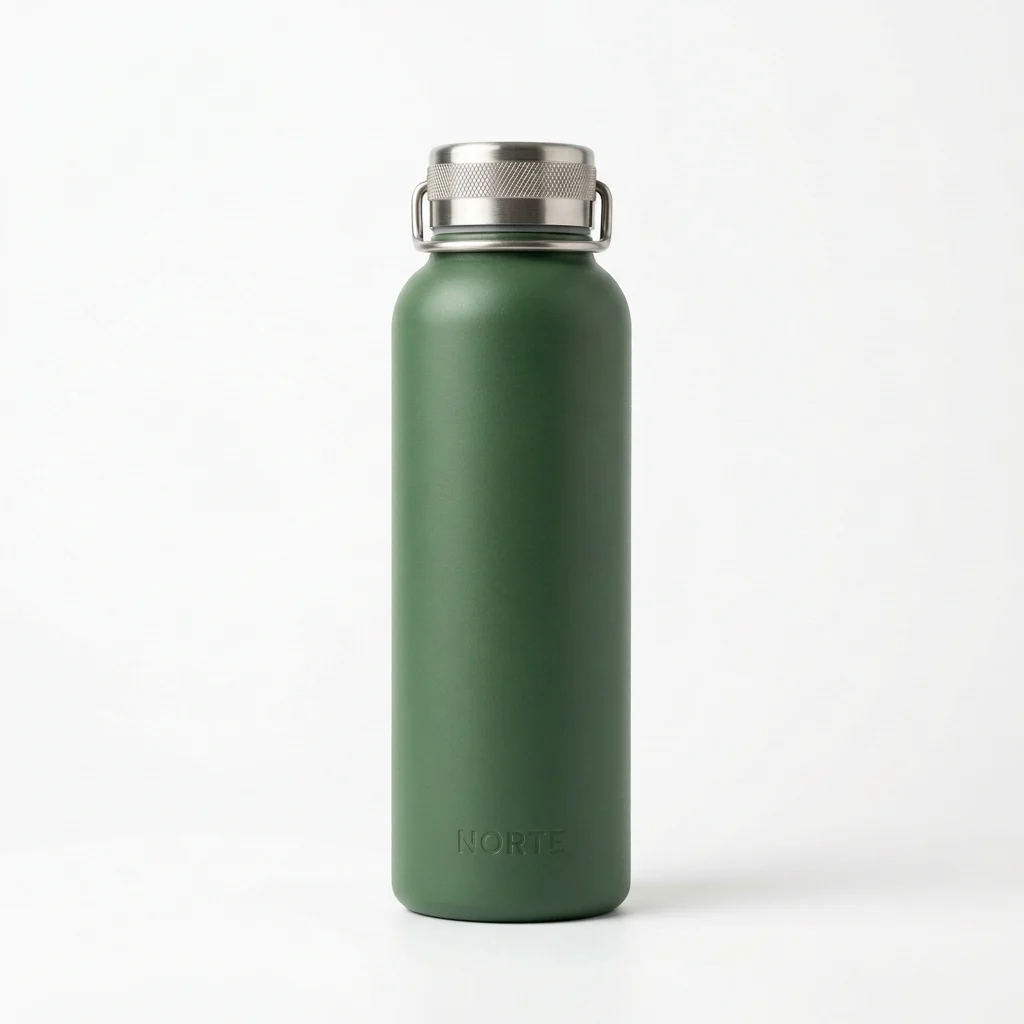
오픈마켓 대표 이미지
제품이 프레임의 85%를 채우는 순백 배경 대표 이미지.
- 모델
- Nano Banana 2
- 출력 비율
- 1:1
- 필요한 참조 이미지
- 깔끔한 제품 사진 1장 — 정면, 라벨이 또렷하고 조명이 고른 것
- 활용처
- Amazon 등 오픈마켓 대표 이미지, PDP 첫 이미지
이 프롬프트 리믹스하기
내 제품과 브랜드 정보를 입력하면 아래 프롬프트가 바로 바뀝니다. 비워 둔 항목은 원문 그대로 유지됩니다.
- 제품 정면 사진 — 생성기에서 첨부
내 프롬프트
남은 변수: 1Use the uploaded product photo as the immutable product reference. Create a marketplace-compliant main image: pure white background at RGB 255, product centered and filling about 85% of the frame height, straight-on front view with a slight three-quarter turn if [ANGLE] suits the shape. Preserve every label, logo, seam, button, and material finish exactly as in the reference. Soft even studio lighting from the front-left, gentle contact shadow grounded directly under the product, crisp edges against the white. No props, no reflections of the studio, no added text, no color shifts. 1:1 square at catalog sharpness.
공유 캡션
프롬프트 하나로 오픈마켓에 바로 올릴 흰 배경 대표 이미지를 만드세요. 순백 배경, 85% 채움, 라벨과 로고는 그대로. 사진만 바꿔서 바로 쓰면 됩니다. #제품사진 #NanoBanana2
이 프롬프트로 생성 · 02
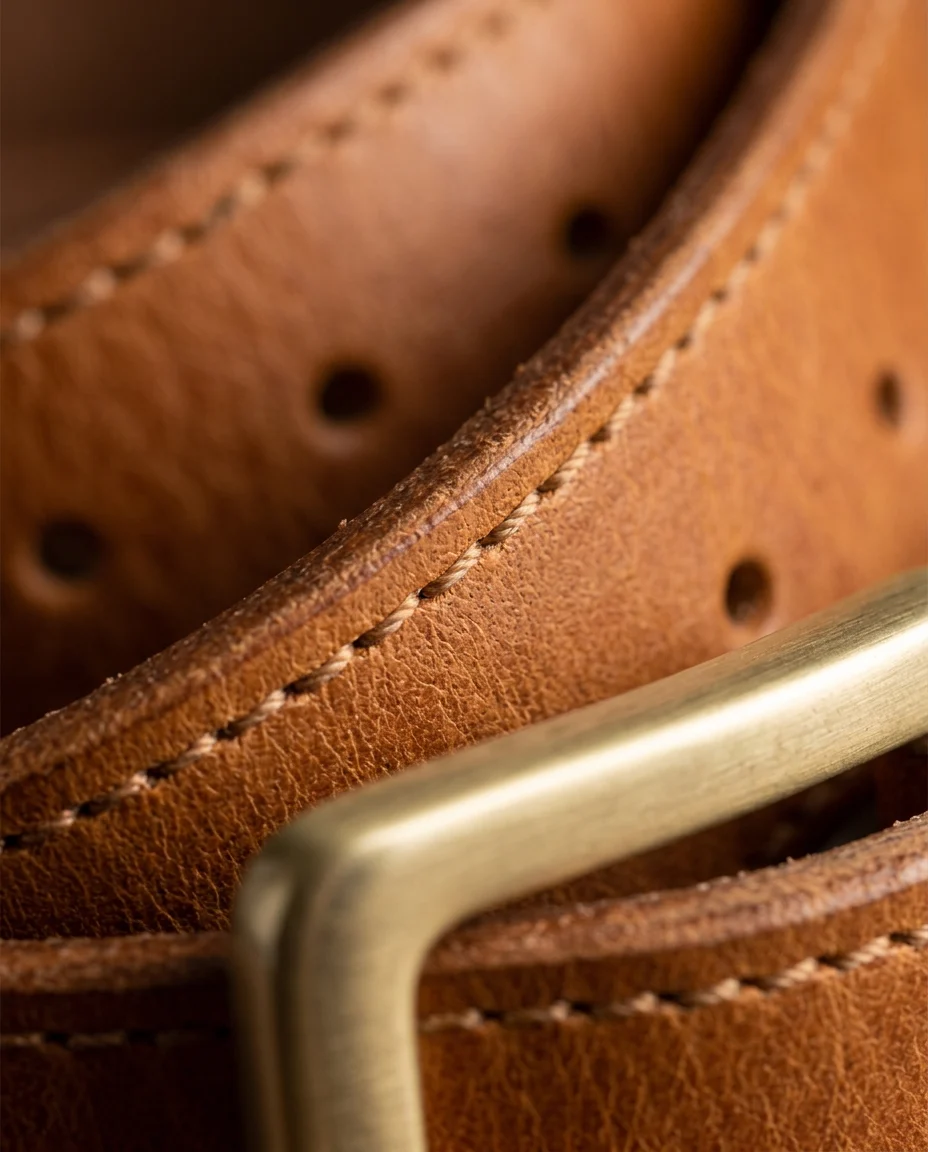
접사 디테일과 질감
소재와 만듦새를 보여 주는 클로즈업.
- 모델
- Nano Banana 2
- 출력 비율
- 4:5
- 필요한 참조 이미지
- 깔끔한 제품 사진 1장 — 정면, 라벨이 또렷하고 조명이 고른 것
- 선택: 디테일 부위 클로즈업. 기본 사진만으로는 소재가 잘 드러나지 않을 때 사용
- 활용처
- PDP 추가 이미지, A+ 콘텐츠 디테일 모듈
이 프롬프트 리믹스하기
내 제품과 브랜드 정보를 입력하면 아래 프롬프트가 바로 바뀝니다. 비워 둔 항목은 원문 그대로 유지됩니다.
- 벨트 버클과 가죽 사진 — 생성기에서 첨부
내 프롬프트
남은 변수: 2Using the uploaded product photo as the exact reference, create a macro detail shot of the [DETAIL AREA]: fabric weave, stitching, grain, machining, or finish as appropriate. Fill the frame with the detail while keeping the surrounding geometry recognizable. Match the true [MATERIAL] color and sheen from the reference — no brightening, no added contrast tricks. Raking light from a low side angle to reveal texture depth, shallow depth of field with the focus plane on the surface detail. Preserve any logo or engraving in frame exactly. No dust, no scratches, no stylization, no invented text.
공유 캡션
만듦새를 보여 주는 접사 프롬프트. 비스듬한 빛으로 질감을 살리고, 디테일에 얕은 초점을 맞추고, 색은 원본 그대로. #제품디테일 #AI사진
이 프롬프트로 생성 · 03
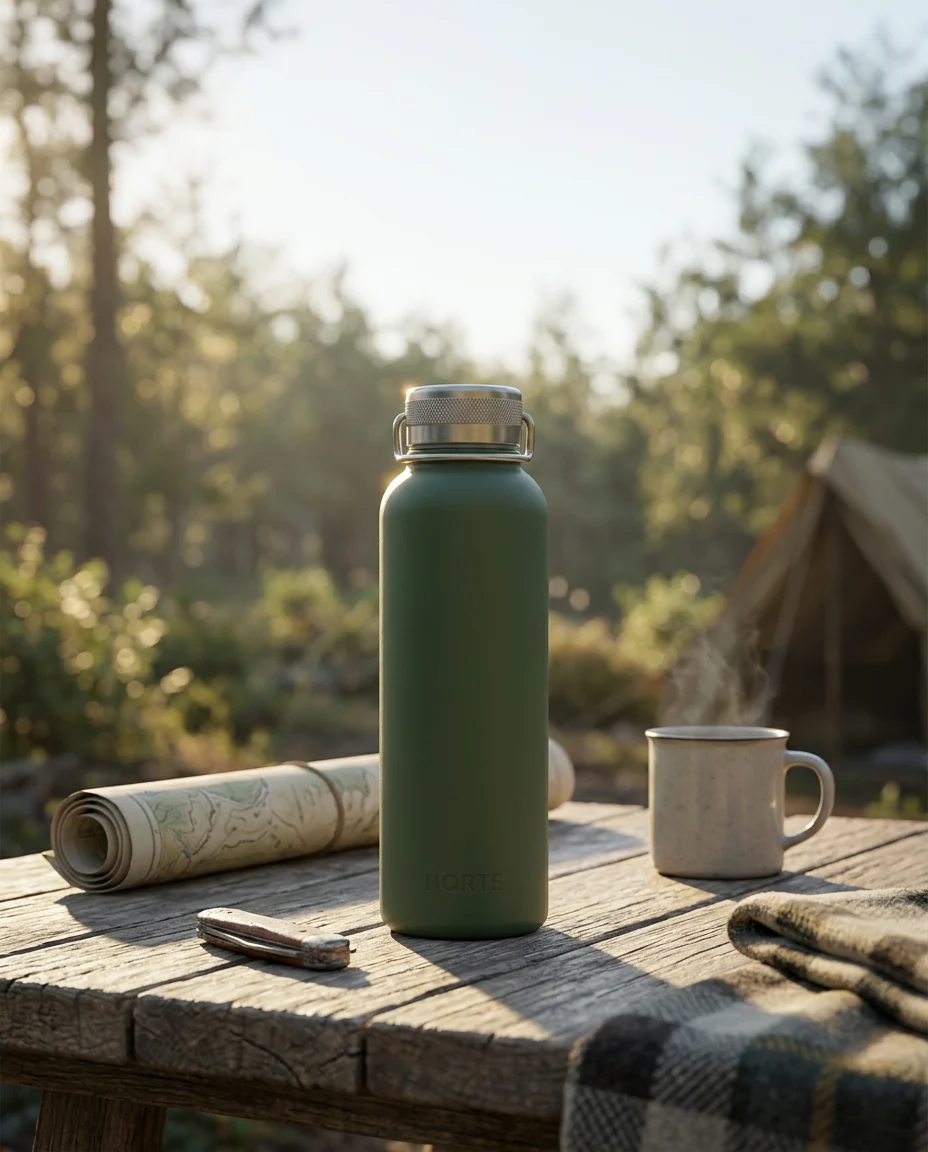
라이프스타일 장면
제품을 실감 나는 사용 장면 속에 놓습니다.
- 모델
- Nano Banana 2
- 출력 비율
- 4:5
- 필요한 참조 이미지
- 깔끔한 제품 사진 1장 — 정면, 라벨이 또렷하고 조명이 고른 것
- 활용처
- PDP 라이프스타일 이미지, 소셜 피드 게시물, 이메일 대표 이미지
이 프롬프트 리믹스하기
내 제품과 브랜드 정보를 입력하면 아래 프롬프트가 바로 바뀝니다. 비워 둔 항목은 원문 그대로 유지됩니다.
- 보온병 사진 — 생성기에서 첨부
내 프롬프트
남은 변수: 4Place the product from the uploaded product photo into a [SCENE] lifestyle scene, unmodified in shape, color, label, and every visible detail. The product sits naturally on [SURFACE] at a realistic scale, lit consistently with the scene's [TIME OF DAY] light. Mid-shot composition with the product as the clear hero and generous negative space for copy at the top third. Scene props support the story without crowding: keep at least [CLEAR SPACE] of visual breathing room around the product. Realistic shadows and reflections that follow the scene lighting. No people interacting with the product unless the reference includes them, no duplicated products, no invented on-product text.
공유 캡션
제품을 실제 장면 속으로. 조명은 장면에 맞추고, 제품은 손대지 않고, 카피 넣을 자리도 남깁니다. 변수 하나만 바꾸면 새 장면이 됩니다. #라이프스타일컷 #AI제품사진
이 프롬프트로 생성 · 04
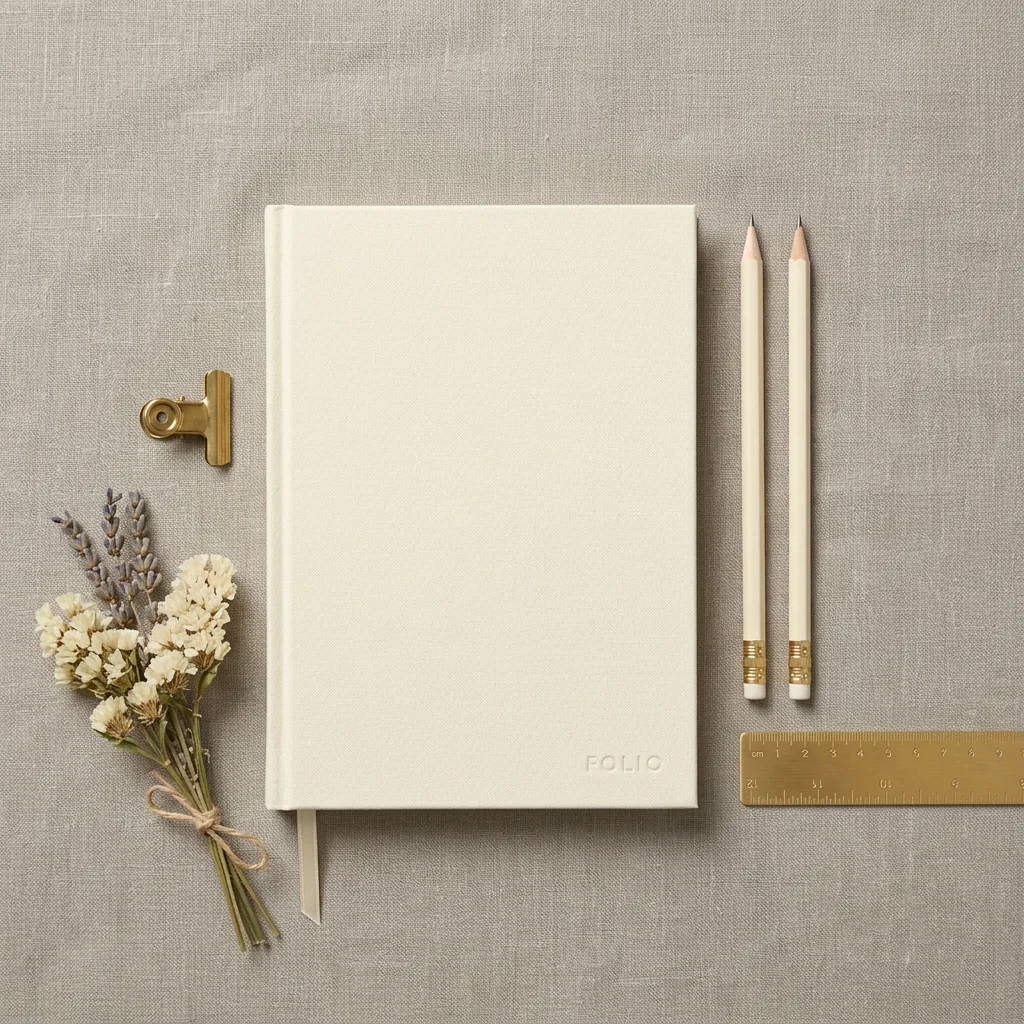
소품을 곁들인 플랫레이
위에서 내려다본 플랫레이 구도.
- 모델
- Nano Banana 2
- 출력 비율
- 1:1
- 필요한 참조 이미지
- 깔끔한 제품 사진 1장 — 정면, 라벨이 또렷하고 조명이 고른 것
- 활용처
- Instagram 그리드, 컬렉션 페이지, 선물 가이드 레이아웃
이 프롬프트 리믹스하기
내 제품과 브랜드 정보를 입력하면 아래 프롬프트가 바로 바뀝니다. 비워 둔 항목은 원문 그대로 유지됩니다.
- 문구 세트 사진 — 생성기에서 첨부
내 프롬프트
남은 변수: 4Create a top-down flat lay photograph featuring the product from the uploaded product photo, unchanged in every visible detail. Arrange it as the visual anchor on a [BACKGROUND SURFACE] with 3 to 4 supporting props: [PROPS]. Follow a deliberate composition — [LAYOUT] — with even overhead lighting, soft shadows falling in one consistent direction, and honest contact shadows under every object. Keep the product the largest and sharpest element; props stay slightly softer and never overlap it. Color palette keyed to [PALETTE]. Straight-down perspective with no perspective distortion, no hands, no text anywhere in frame.
공유 캡션
프롬프트 하나로 깔끔한 플랫레이를. 위에서 내려다본 구도, 받쳐 주는 소품, 방향이 맞는 그림자, 주인공은 언제나 제품. #플랫레이 #AI제품사진
이 프롬프트로 생성 · 05
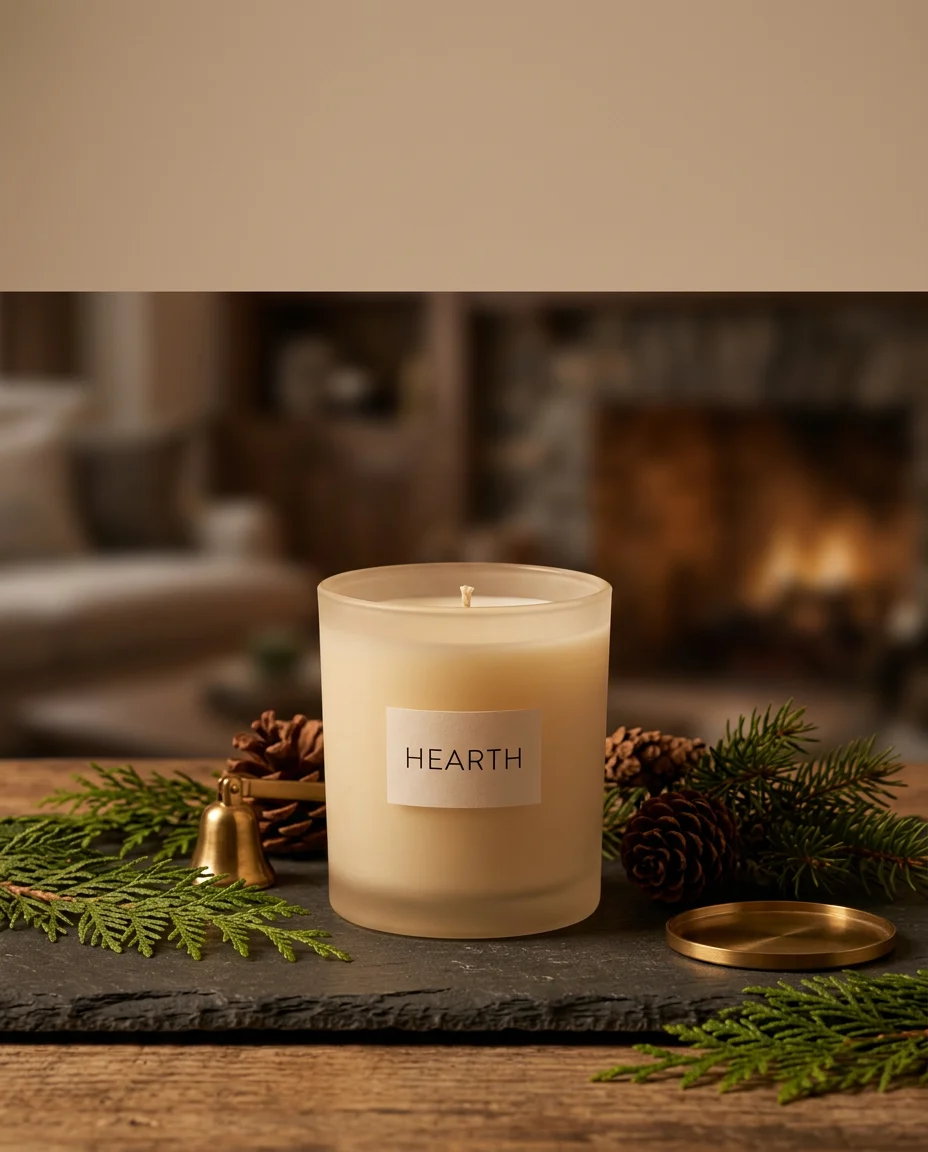
시즌 캠페인 변형
같은 제품, 새 계절, 새 분위기.
- 모델
- Nano Banana 2
- 출력 비율
- 4:5
- 필요한 참조 이미지
- 깔끔한 제품 사진 1장 — 정면, 라벨이 또렷하고 조명이 고른 것
- 활용처
- 시즌 세일 배너와 프로모션 광고
이 프롬프트 리믹스하기
내 제품과 브랜드 정보를 입력하면 아래 프롬프트가 바로 바뀝니다. 비워 둔 항목은 원문 그대로 유지됩니다.
- 향초 사진 — 생성기에서 첨부
내 프롬프트
남은 변수: 6Re-shoot the product from the uploaded product photo for a [SEASON] campaign, keeping the product itself pixel-faithful: same shape, same [PRODUCT COLOR], same label and logo, same material response. Change only the world around it: [SEASON SET] environment, [SEASON LIGHT] lighting, and seasonal props placed beside — never on — the product. Composition mirrors a premium ad: product on [PEDESTAL OR SURFACE] in the lower two-thirds, clean space above for a headline. Mood is [MOOD]; nothing whimsical leaks onto the product itself. No holiday text, no gift boxes unless specified, no red-green color cast onto the package.
공유 캡션
같은 제품, 새로운 계절. 제품은 그대로 두고 주변 세계만 바꿉니다. 변수를 바꾸면 새 캠페인이 됩니다. #시즌광고 #AI변형