ข้อความและภาพอ้างอิง
เขียนพรอมต์ตั้งแต่เริ่มต้น หรือแนบภาพเพื่อกำหนดตัวแบบและองค์ประกอบ ตรวจสอบผลลัพธ์แต่ละรายการก่อนนำไปใช้ซ้ำ
เครื่องมือรูปภาพของ Imgo
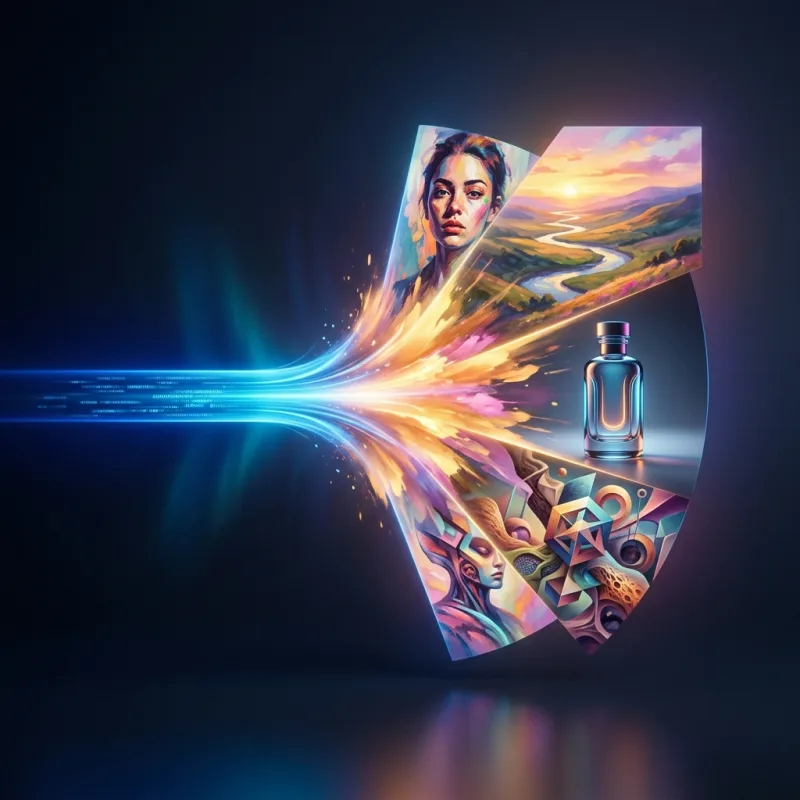
เริ่มจากพรอมต์ จากนั้นเพิ่มภาพอ้างอิงเมื่อตัวแบบ สินค้า หรือองค์ประกอบต้องคงไว้ซึ่งการจดจำได้ Imgo รวมการเลือกโมเดล ประวัติภาพ การแก้ไข และการส่งต่อไปยังวิดีโอไว้ในเวิร์กโฟลว์เดียว
ทำความรู้จักเวิร์กโฟลว์ จุดเด่นสำคัญ และผลลัพธ์ใน 27 วินาที
เขียนพรอมต์ตั้งแต่เริ่มต้น หรือแนบภาพเพื่อกำหนดตัวแบบและองค์ประกอบ ตรวจสอบผลลัพธ์แต่ละรายการก่อนนำไปใช้ซ้ำ
ตัวเลือกโมเดลแบบเรียลไทม์ประกอบด้วย Nano Banana 2, Nano Banana 2 Lite และโมเดลภาพอื่นๆ ที่มีให้ใช้งาน ความพร้อมใช้งานและราคาเครดิตจะแสดงในเวิร์กสเปซ
สร้างตัวเลือกหลายรายการ ตรวจดูในประวัติ และย้ายเฟรมที่เลือกไปยังตัวแก้ไข ตัวลบพื้นหลัง หรือขั้นตอนวิดีโอ
ระบุตัวแบบ ฉาก แสง การจัดเฟรม และอัตราส่วนภาพผลลัพธ์ ใช้ Prompt Builder เมื่อคุณต้องการบรีฟที่มีโครงสร้างมากขึ้น
เลือกโมเดลภาพที่ใช้ได้ เพิ่มภาพอ้างอิงสำหรับบุคคล สินค้า หรือสไตล์ที่จดจำได้ ตรวจสอบเครดิตที่แสดงก่อนส่ง
เปรียบเทียบผลลัพธ์ ดาวน์โหลดภาพที่เลือก หรือเปิดในตัวแก้ไขภาพเพื่อปรับเฉพาะจุด
ใช้การตั้งค่าปัจจุบัน การประเมินเครดิต และผลลัพธ์ที่ส่งคืนเป็นแหล่งอ้างอิงสุดท้าย
ได้ แนบภาพในตัวสร้างและอธิบายสิ่งที่ต้องการให้เปลี่ยน ตรวจสอบผลลัพธ์ด้านอัตลักษณ์ โลโก้ และความแม่นยำของรายละเอียดก่อนเผยแพร่
ใช้ไดเรกทอรีโมเดลแบบเรียลไทม์เพื่อเปรียบเทียบตัวเลือกที่มี จากนั้นทดสอบพรอมต์และภาพอ้างอิงเดียวกันกับโมเดลที่เหมาะกับงานของคุณ ค่าใช้จ่ายจะแสดงในเวิร์กสเปซ
เปิดพื้นที่ทำงานเพื่ออัปโหลดรูปภาพหรือป้อนพรอมต์ ดูใบเสนอราคาเครดิตแบบเรียลไทม์ และดาวน์โหลดผลลัพธ์ จำเป็นต้องลงชื่อเข้าใช้เพื่อรันงาน